How to Use Indacoin to Buy Bitcoin
How to use Indacoin to buy bitcoin?
When purchasing with Indacoin, make sure that you have a valid account and that you are using a computer.
- First of all, log in to your account. Next, you need to open the Indacoin app.
- Select Indacoin - Bitcoin Payment and choose the payment type (either to receive or to pay).
- There you will find the bitcoin address. Copy the address and open it in a browser. You will find the price of the coin.
- You will be forwarded to the shop.
- The shop will ask for payment and your money will be transferred.
The price of the bitcoin is the price of the coin at the time of purchase. Indacoin uses the price of the US dollar for its price of bitcoin.
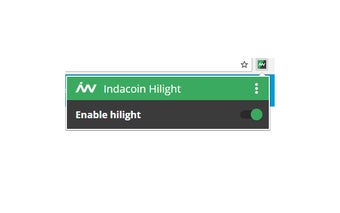
Note: if you make a purchase through this Indacoin Extension, please read the terms and conditions of the online shop, which you need to accept to receive your purchase.